

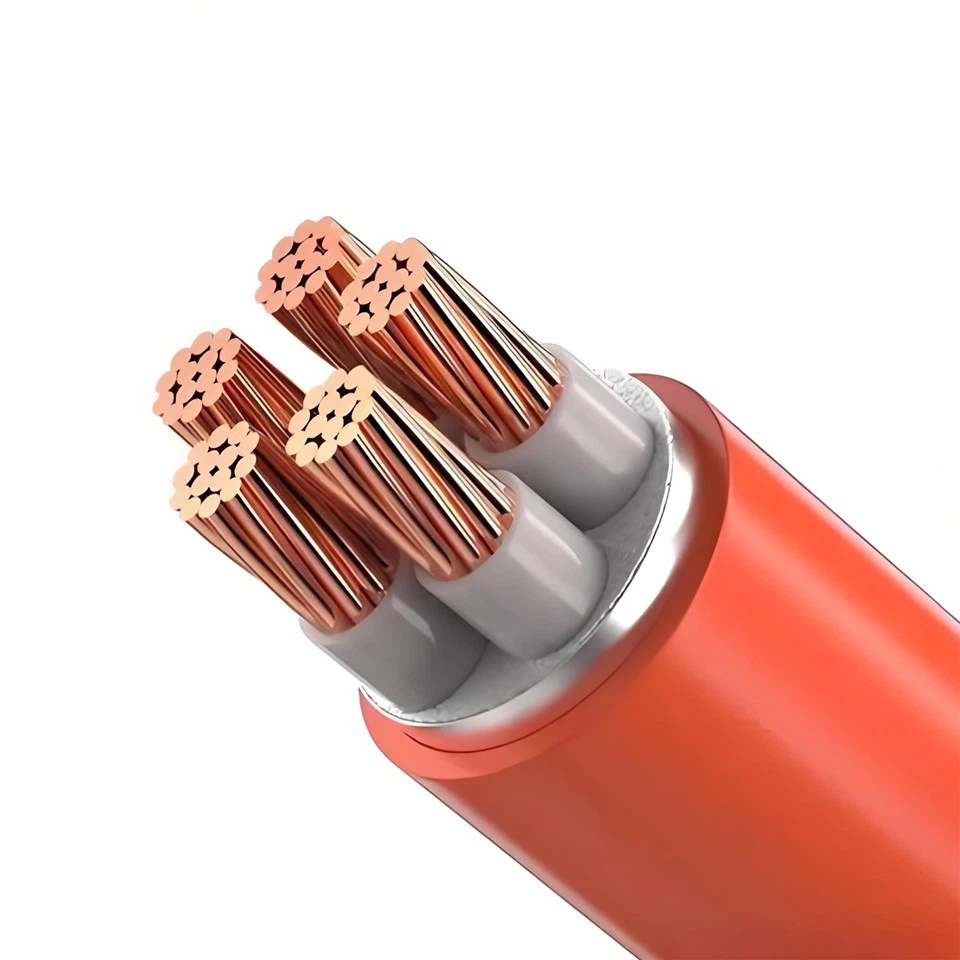
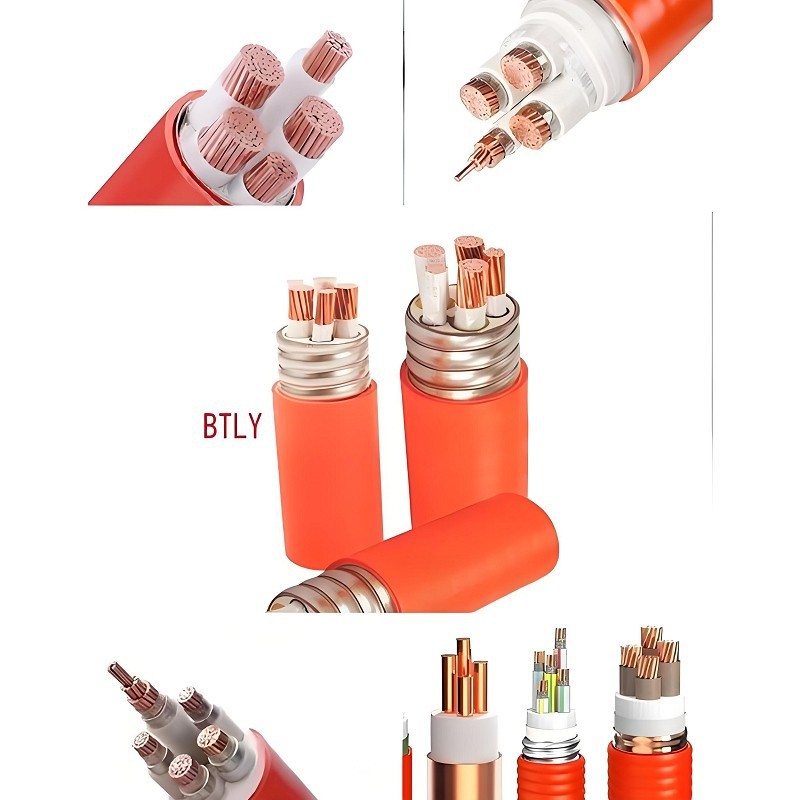
Hey there! I'm a supplier of Multi Core Control Cables, and I've been in this business for quite a while. Today, I'm gonna share with you how to install a multi - core control cable in a cable tray. It might seem a bit tricky at first, but with the right steps and a bit of know - how, you'll be able to do it like a pro.
Pre - installation Preparations
Before you start the installation, there are a few things you need to do. First off, you gotta check the cable tray. Make sure it's clean and free from any debris or sharp edges that could damage the cable. You don't want your brand - new multi - core control cable to get scratched up during the installation.
Also, measure the length of the cable you need. It's better to have a bit extra than to be short. I've seen many situations where people didn't measure properly and had to go back and get more cable. That's a hassle you want to avoid.
Another important thing is to gather all the necessary tools. You'll need stuff like cable cutters, cable ties, and maybe a ladder if the cable tray is up high. Having everything ready before you start will save you a lot of time and frustration.
Unloading and Handling the Cable
Once you've got everything prepared, it's time to unload the multi - core control cable. Be careful when you're handling it. These cables can be heavy, especially if they're long. You don't want to drop them or damage them in any way.
When you're unwinding the cable, do it slowly and steadily. If you try to unwind it too fast, it can get tangled up, and that's a real pain to sort out. I always recommend having a couple of people help with this part, especially for longer cables.
Installing the Cable in the Tray
Now, let's get to the actual installation. Start by placing the cable in the cable tray. Make sure it's laid out neatly and evenly. You don't want it to bunch up in one area.
As you're laying the cable, use cable ties to secure it to the tray. This will prevent it from moving around and getting damaged. Space the cable ties out evenly along the length of the cable. I usually put a cable tie every few feet, but it depends on the size and weight of the cable.
If you're installing multiple cables in the same tray, make sure to keep them organized. You can use different colors of cable ties to distinguish between different cables. This will make it easier to identify and maintain the cables in the future.
Dealing with Bends and Junctions
In most cable tray installations, you'll have to deal with bends and junctions. When you're making a bend in the cable, make sure it's a smooth bend. Don't make sharp bends, as this can damage the cable and affect its performance.
At junctions, you need to be extra careful. Make sure the cables are properly routed and secured. You might need to use additional cable ties or supports at these points. It's also a good idea to label the cables at junctions so you know which cable goes where.
Testing the Cable
Once you've installed the multi - core control cable, it's important to test it. You can use a cable tester to check for continuity and any other issues. This will ensure that the cable is working properly and that there are no hidden problems.
Testing the cable also gives you a chance to make any adjustments if needed. If you find any issues during the testing, you can go back and fix them before you start using the cable.
Safety Considerations
Throughout the installation process, safety should be your top priority. Wear appropriate safety gear, like gloves and safety glasses. If you're working at a height, make sure you're using a stable ladder or platform.
Also, be aware of any electrical hazards. If the cable tray is near live electrical equipment, make sure you follow all the necessary safety procedures. You don't want to get electrocuted or cause any other accidents.
Related Products
If you're in the market for different types of cables, we also offer Mining Electrical Cable, Copper Control Cable, and Overhead Insulated Cable. These cables are all high - quality and suitable for a variety of applications.
Conclusion
Installing a multi - core control cable in a cable tray isn't that difficult if you follow the right steps. By doing proper pre - installation preparations, handling the cable carefully, and following safety procedures, you can ensure a successful installation.
If you're interested in purchasing multi - core control cables or any of our other products, feel free to reach out to us for a quote and to discuss your specific needs. We're here to help you get the right cables for your project.
References
- Electrical Installation Handbook by Schneider Electric
- Cable Tray Installation Guide by the National Electrical Manufacturers Association